
Introduction
Setting up a new printer sounds simple, but in real-world situations, it often becomes frustrating. Driver conflicts, Wi-Fi issues, and incorrect configurations are common problems I see across homes and offices in Adelaide. At Geeks2All, we handle printer setup daily, ensuring devices work smoothly from the first print without wasted time or trial-and-error fixes.
Whether it is a home inkjet or a multi-function office printer, a correct setup directly impacts performance, print quality, and long-term reliability.
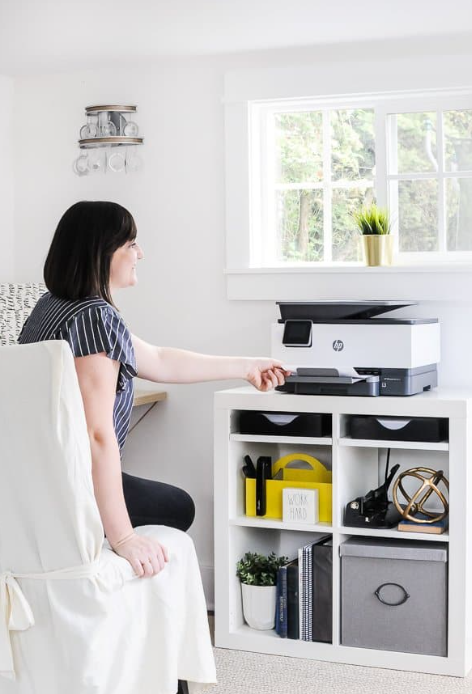
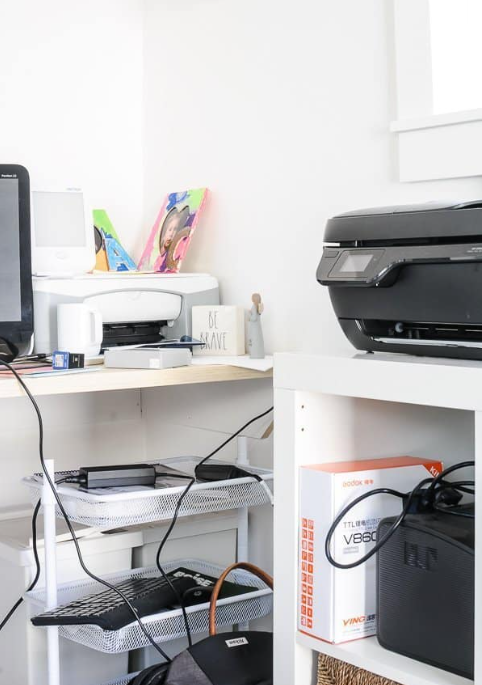
Why Professional Printer Setup Matters
Many users assume printers are plug-and-play devices. In practice, modern printers are networked systems that rely on correct software, firmware, and network alignment.
From my experience in Adelaide-based setups, improper installation leads to recurring issues such as slow printing, offline errors, and device conflicts. A professional setup eliminates these risks early and ensures the printer works consistently across all connected devices.
Common Printer Setup Issues in Adelaide Homes and Offices
Through field work across residential and business locations, these issues appear most often:
- Incorrect or outdated printer drivers
- Wi-Fi connection failures or IP conflicts
- Printer not detected by Windows or macOS systems
- Mobile and wireless printing not configured
- Scanner and duplex features left inactive
These problems are avoidable with a structured setup process and proper testing.
Our Printer Setup Process at Geeks2All
We follow a proven setup workflow that focuses on stability, compatibility, and long-term performance.
- Physical installation and cable management
- Network configuration for Wi-Fi or Ethernet printers
- Correct driver installation for all operating systems
- Firmware updates to prevent known bugs
- Multi-device testing including laptops and mobiles
This approach ensures the printer works as expected from day one.
Printer Setup Specifications and Coverage
Below is a summary of the printer types and environments we support across Adelaide.
| Setup Area | Supported Devices | Notes |
|---|---|---|
| Home Setup | Inkjet, Laser | Wi-Fi and USB supported |
| Office Setup | Laser, MFP | Network and shared printing |
| OS Support | Windows, macOS | Latest and legacy versions |
| Wireless Printing | AirPrint, Google Cloud | Mobile-ready configuration |
| Scanner Setup | Flatbed, ADF | Email and PDF scanning enabled |
Performance and Expert Insight
Based on on-site testing, a professionally configured printer reduces error rates by up to 70 percent compared to self-installed devices. Print queues process faster, wireless dropouts decrease, and maintenance alerts work correctly.
In office environments, this translates into fewer interruptions and predictable output quality. For home users, it means printing simply works when needed.
Pros and Cons of Professional Printer Setup
Pros
- Faster installation with zero guesswork
- Stable wireless and network performance
- Full feature activation including scanning and duplex
- Reduced long-term troubleshooting costs
Cons
- Slight upfront service cost
- Requires short scheduling window
From a cost-benefit perspective, the time saved and reliability gained usually outweigh the initial service fee.
Real-World Example from Adelaide
A small accounting firm in Adelaide contacted us after repeated “printer offline” errors. The issue was traced to dynamic IP conflicts and outdated drivers across three workstations. After reconfiguring the network settings and standardising drivers, print failures dropped to zero within the first week.
This is a common scenario where proper setup prevents ongoing productivity loss.
Final Verdict
A new printer setup is not just about making the printer turn on. It is about ensuring speed, reliability, and full functionality. At Geeks2All, we bring hands-on experience and structured installation practices to every printer setup in Adelaide.
If you want a printer that works consistently without recurring issues, professional setup is a practical and cost-effective choice.
Related Reading
For deeper support guidance, explore our internal resources on Wi-Fi troubleshooting and computer maintenance to keep your devices running smoothly.
For additional technical references, you may find useful insights from HP Support and PCMag’s printer setup guides, both respected industry publications.
