
Introduction
In the ever-evolving world of technology, having properly installed software and hardware is essential for the performance and longevity of your computer. Whether you’re setting up a new computer, upgrading existing hardware, or installing new software, the installation process can be challenging without professional expertise. This is where Geeks2All steps in, offering comprehensive computer software and hardware installation services designed to ensure your systems run at their best.
Installing both software and hardware can seem like a simple task, but improper installation can lead to errors, poor performance, or even damage to your devices. With Geeks2All, you can trust our team of experts to manage all aspects of installation for you, from system setup to peripheral configuration.
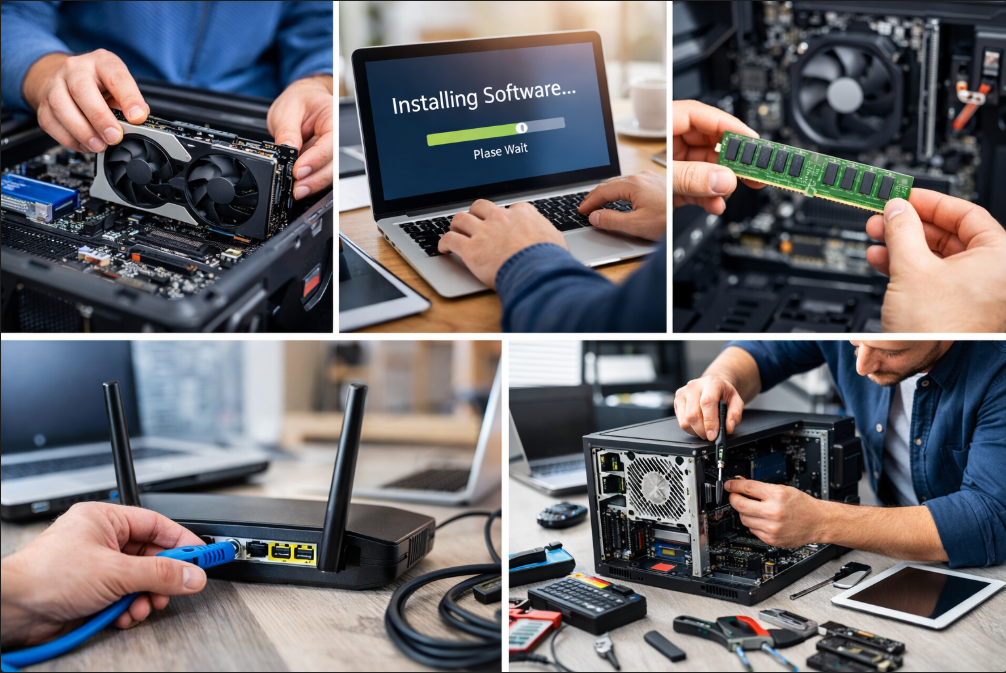
The Importance of Software Installation
Installing the correct software and ensuring it’s configured properly is vital for your computer’s functionality. Without the right setup, your system may become sluggish, unresponsive, or even vulnerable to cyberattacks. Here’s why proper software installation is important:
1. Operating System Installation
The foundation of any computer is its operating system (OS). Whether you’re using Windows, macOS, or Linux, the installation of the OS needs to be done correctly to ensure that your device operates smoothly. At Geeks2All, we provide expert OS installation services, ensuring that your system is up-to-date with the latest version, free from bugs, and properly configured for your specific needs.
- Latest Updates: We ensure the installation includes all the latest patches and updates for improved security and performance.
- System Setup: After installing the OS, we configure it according to your preferences, setting up user accounts, privacy settings, and system preferences.
2. Installing Essential Software
After installing the operating system, the next step is to set up all the necessary software that your system requires. From office suites to antivirus programs, ensuring that the right software is installed will help your computer perform its tasks efficiently. Here’s how Geeks2All approaches this:
- Productivity Software: We install essential programs such as Microsoft Office, Google Chrome, and other productivity tools tailored to your needs.
- Security Software: Antivirus and anti-malware software are critical for safeguarding your system against cyber threats. We ensure the best security solutions are installed and updated regularly.
- Specialized Software: Whether you need graphic design tools, video editing software, or custom programs, we install and configure all types of specialized software to match your unique requirements.
3. Software Updates and Configuration
Keeping your software up-to-date is key to avoiding bugs, improving functionality, and ensuring that security vulnerabilities are patched. At Geeks2All, we not only install your software but also make sure it is correctly updated and configured to meet your needs. We take the extra step of checking for the latest software updates and installing them automatically.
- Automatic Updates: We enable automatic updates to ensure your software stays current without requiring manual intervention.
- Configuration for Optimal Performance: Each program is configured to ensure it works efficiently with your system, reducing the likelihood of conflicts or crashes.
The Role of Hardware Installation
Hardware installation plays a crucial role in enhancing the capabilities of your computer. From upgrading your system’s memory to installing new peripheral devices, the right hardware can make a significant difference in your computer’s overall performance. At Geeks2All, we handle all aspects of hardware installation, making sure that everything is set up correctly.
1. System Upgrades
Over time, you may need to upgrade your computer’s internal components to improve its performance. Our team specializes in upgrading essential components like RAM, hard drives, SSDs, graphics cards, and processors. Whether you’re looking for faster processing power, more storage, or better graphics, we ensure that your upgrades are performed with precision.
- Memory (RAM): We install additional RAM to improve your system’s multitasking capability and overall performance.
- Storage Solutions: Upgrading to a larger hard drive or an SSD can significantly improve boot times and data access speeds.
- Graphics Card: For gamers, video editors, or designers, installing a better graphics card enhances visual performance and rendering capabilities.
2. Peripheral Device Installation
In addition to internal components, peripherals such as printers, scanners, monitors, and external storage devices are integral to your computer setup. Proper installation and configuration of these devices ensure that they integrate seamlessly with your computer, allowing for smooth operation.
- Printers and Scanners: We install and configure printers and scanners, making sure they work well with your operating system and other software.
- External Devices: From external hard drives to USB devices, we ensure that your peripherals are recognized by the system and configured for optimal use.
3. Network Setup
In today’s interconnected world, network setup is a critical aspect of any computer installation. Whether you need to set up Wi-Fi, install a network adapter, or configure a wired network, Geeks2All can help. A properly configured network ensures that your devices communicate seamlessly with each other and the internet.
- Wi-Fi Routers: We install and configure Wi-Fi routers, ensuring a strong and stable connection throughout your home or office.
- Network Adapters: If your device doesn’t have built-in Wi-Fi, we install network adapters to ensure you can connect to the internet.
4. Troubleshooting and Diagnostics
Hardware issues can arise during or after installation, and it’s important to address them promptly to avoid damage or system failures. At Geeks2All, we offer troubleshooting and diagnostic services to quickly identify and resolve any hardware-related problems, ensuring your system functions smoothly.
- Error Identification: Our team can pinpoint hardware failures, from faulty RAM to malfunctioning hard drives.
- Repairs and Replacements: If any component is damaged, we offer repair and replacement services to get your system back up and running.
Key Features & Specifications of Our Services
| Service | Details |
|---|---|
| Operating System Setup | Installation of Windows, macOS, or Linux |
| Software Installation | Office software, security software, browsers, and more |
| Hardware Installation | RAM, hard drives, graphics cards, peripherals, and networking devices |
| Troubleshooting | Diagnosis and repair of software or hardware issues |
| Network Setup | Wi-Fi, network adapters, and other networking devices |
Performance Review: Expert Commentary
When it comes to computer software and hardware installation, precision is key. A single mistake can lead to system errors, incompatibility issues, or even complete failure of the system. At Geeks2All, our team of experts has years of experience installing and configuring both hardware and software. We understand how every component works together, which is why our installation process ensures that your computer operates at its peak efficiency.
For example, improper installation of a graphics card can result in low frame rates, visual glitches, or even system crashes. Similarly, incorrect software configuration can lead to slow performance or crashes. By trusting Geeks2All, you eliminate these risks and ensure that your system operates as intended.
Pros and Cons of Professional Installation
Pros:
- Expert-level installation: Our technicians have the knowledge to ensure everything is set up correctly.
- Time-saving: Instead of spending hours troubleshooting, you can rely on our team to get everything running smoothly.
- Enhanced performance: Proper installation ensures your system runs faster and more securely.
- Long-term benefits: A well-installed system requires fewer repairs and upgrades down the line.
Cons:
- Cost: Professional installation comes with a fee, though it is generally much more affordable than the long-term costs of improper installation.
- Time Scheduling: While we strive to accommodate our clients quickly, you may need to schedule an appointment depending on technician availability.
Final Verdict
Whether you are upgrading an existing system, setting up a new computer, or installing specific software or hardware, Geeks2All is the trusted provider of computer software and hardware installation services. Our team of experts ensures that every installation is done correctly, reducing the risk of system failures, poor performance, and security issues.
By hiring professionals, you can save time, avoid unnecessary stress, and ensure that your devices operate at peak efficiency. Whether you need a simple OS installation or a full system upgrade, Geeks2All is here to provide reliable, efficient, and expert-level installation services.
For more information on how we can help with your computer setup, visit our website at Geeks2All.
FAQs
1. How long does it take for software and hardware installation?
The installation time depends on the complexity of your requirements. A basic software setup can take an hour or two, while a complete hardware upgrade or system setup may take several hours.
2. Do I need to buy the software or hardware beforehand?
Yes, we recommend purchasing the software or hardware needed for your setup in advance. If you’re unsure about what you need, we can help guide you through the selection process.
3. Can you set up a network for my devices?
Absolutely! We offer comprehensive network setup services, including the installation of routers, network adapters, and ensuring all devices are properly connected.
By choosing Geeks2All, you’re ensuring that your computer runs smoothly, securely, and efficiently for years to come.
