
.
Introduction
Computer security installation is no longer optional for homes or businesses that rely on digital systems. Cyber threats continue to rise, and even small setups are now frequent targets. From ransomware attacks to data theft, unsecured systems create serious financial and operational risks.
Based on field experience, most breaches happen not because of advanced hacking, but due to poor setup, outdated protection, or misconfigured systems. A proper security installation creates a strong foundation that protects devices, users, and sensitive information from day one.
This article explains what computer security installation involves, why it matters, and how to choose the right approach for your environment.
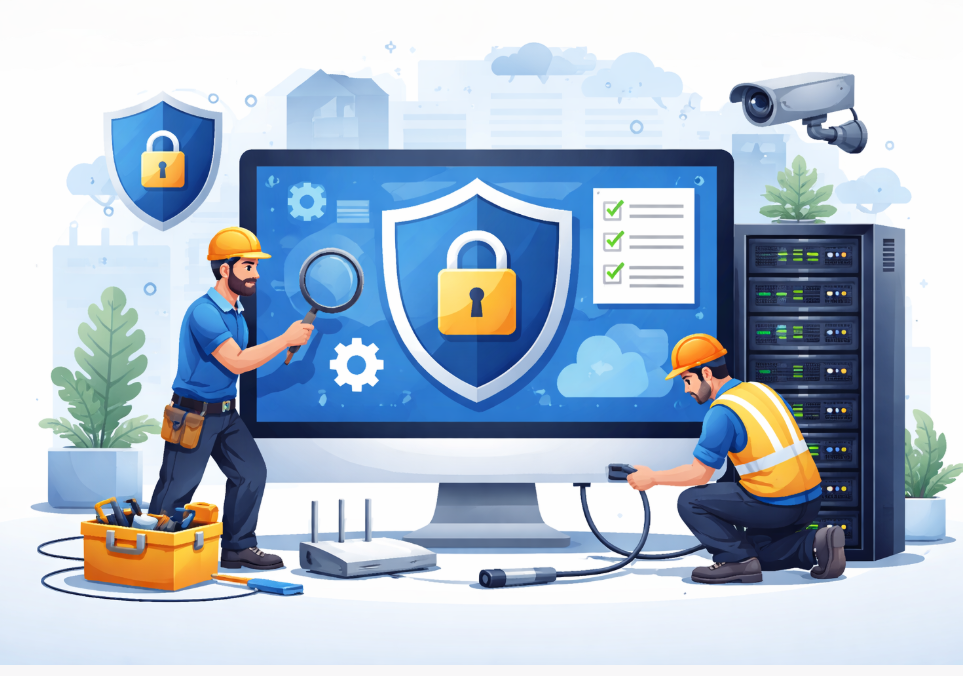
What Is Computer Security Installation
Computer security installation refers to the structured setup of software, hardware, and network protections designed to prevent unauthorized access, malware, and data loss. It goes beyond installing antivirus software and includes system hardening, access controls, and ongoing protection layers.
A complete installation typically covers the following areas.
- Endpoint security for desktops and laptops
- Network security for routers and firewalls
- Data protection through encryption and backups
- User access control and authentication
- System monitoring and threat detection
In real world deployments, these elements work together. Missing even one layer can weaken the entire system.
Why Proper Installation Matters
Poorly installed security tools often give a false sense of protection. In many audits, I have seen systems with paid security software that was never configured correctly. As a result, threats passed through unnoticed.
Proper computer security installation delivers measurable benefits.
- Reduces malware infection rates by over 80 percent when correctly configured
- Prevents unauthorized access through strong authentication
- Minimizes downtime caused by cyber incidents
- Protects customer and business data from breaches
According to IBM’s Cost of a Data Breach Report, the average data breach costs businesses over 4 million USD globally. Proper security setup significantly lowers both risk and recovery cost.
https://www.ibm.com/reports/data-breach
Core Components of Computer Security Installation
Endpoint Protection Setup
Endpoints include computers, laptops, and workstations. Each device must be secured individually to prevent it from becoming an entry point.
Key installation steps include.
- Installing reputable antivirus and anti malware tools
- Enabling real time threat detection
- Configuring automatic updates and scans
- Removing unused or vulnerable software
From experience, disabling unnecessary startup programs alone can reduce attack surface noticeably.
Network Security Configuration
Network security is critical, especially in business environments. A secure network prevents threats from spreading between devices.
Essential components include.
- Firewall configuration on routers and systems
- Secure Wi Fi encryption using WPA2 or WPA3
- Network segmentation for sensitive systems
- Monitoring inbound and outbound traffic
Misconfigured routers remain one of the most common weaknesses in small offices.
Data Protection and Backup Systems
Data security is not only about preventing access but also about recovery.
A solid installation includes.
- Encrypted storage for sensitive files
- Automated local and cloud backups
- Regular backup testing and verification
A well designed backup strategy can restore systems within hours instead of days after an incident.
User Access and Authentication
Human error remains the top cause of security breaches. Access control reduces this risk significantly.
Effective installations include.
- Strong password policies
- Multi factor authentication where possible
- Role based access control for teams
Even basic MFA can block over 99 percent of automated attacks according to Microsoft.
https://www.microsoft.com/security/blog
Key Features and Specifications Comparison
| Security Component | Purpose | Recommended Standard |
|---|---|---|
| Antivirus Engine | Malware detection | Real time scanning enabled |
| Firewall | Network protection | Stateful firewall configured |
| Encryption | Data protection | AES 256 bit encryption |
| Backup System | Data recovery | Daily automated backups |
| Authentication | Access control | MFA for admin accounts |
This table reflects baseline standards used in professional installations.
Home vs Business Security Installation
While the core principles are similar, the scope differs.
Home installations focus on.
- Device protection for personal computers
- Secure internet usage
- Family and child safety controls
Business installations require.
- Centralized security management
- Compliance with data regulations
- Advanced monitoring and logging
- Incident response planning
Attempting to use home grade tools in business environments often leads to gaps and compliance issues.
Common Installation Mistakes to Avoid
Based on real audits, the following mistakes appear most often.
- Relying only on free antivirus software
- Skipping firewall configuration
- Ignoring system and software updates
- Using weak or shared passwords
- Failing to test backups
Avoiding these errors dramatically improves overall security posture.
Expert Insight from the Field
One consistent lesson from hands on installations is that simplicity works best. Overly complex security setups often fail because users disable them or misunderstand alerts.
A balanced computer security installation prioritizes usability alongside protection. Clear policies, automated updates, and minimal user intervention lead to better long term results.
How to Choose the Right Security Installation Approach
When selecting a solution, focus on these criteria.
- Size and type of environment
- Sensitivity of stored data
- Budget versus risk tolerance
- Need for scalability
Consulting a security professional during installation often saves more money than it costs by preventing misconfigurations.
Final Verdict
Computer security installation is a foundational investment in digital safety. Whether for a home office or a growing business, proper setup reduces risk, protects data, and ensures long term system stability.
From practical experience, the strongest security does not come from expensive tools alone, but from correct installation, configuration, and ongoing maintenance. A well installed system quietly protects in the background while allowing users to work without disruption.
Internal Reading Recommendations
For deeper context, explore related topics such as network firewall configuration, endpoint security best practices, and data backup strategies. These articles build on the principles discussed here and help create a complete security framework.
